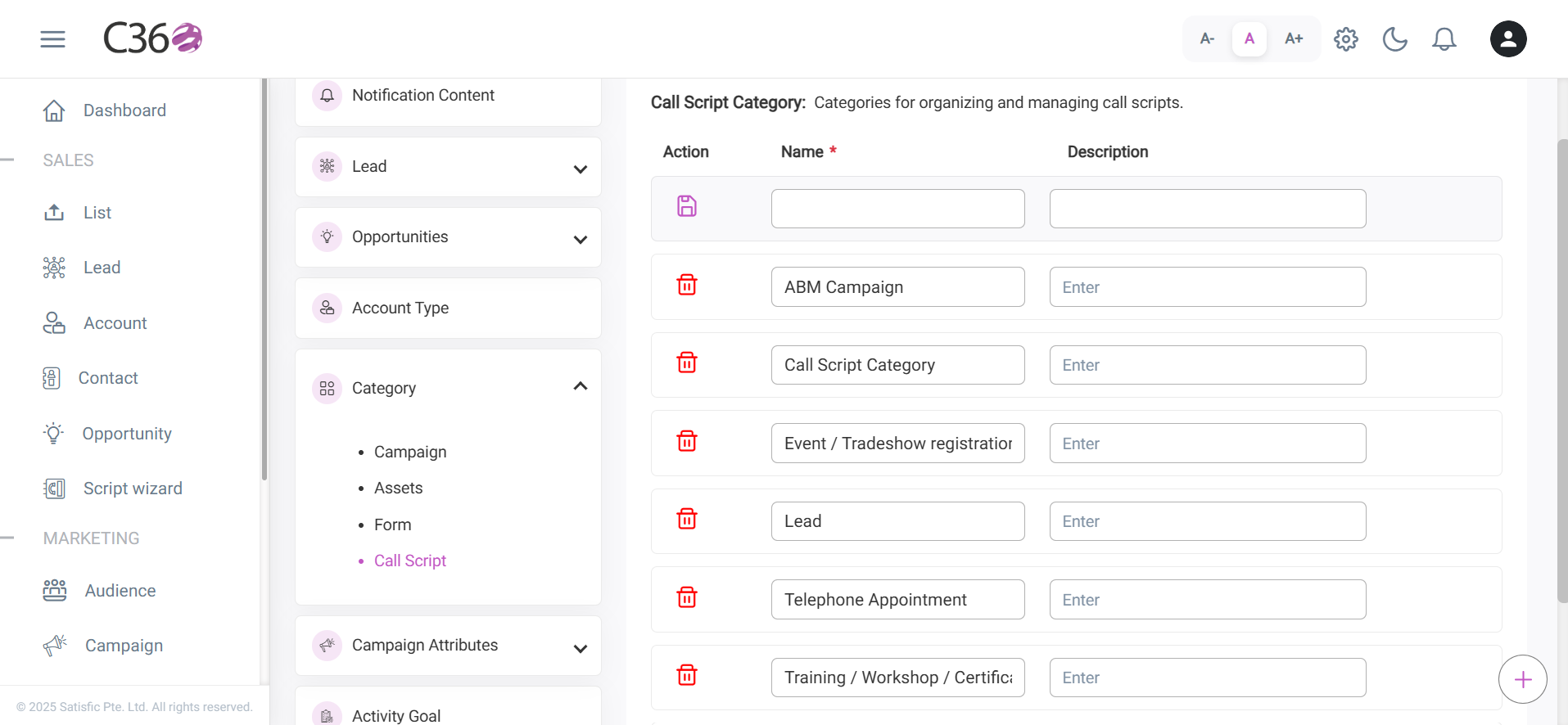
🗂️ Categories
To access Category:
➡️ Go to Settings → System Configuration → Category from the Top Bar.
🎯 Campaign Category
Planned marketing efforts designed to generate and nurture leads through targeted strategies.
Examples: email campaigns, social media promotions, and other outreach activities.
📝 Fields
Fields:
- Name – Unique title for the category
- Description – Brief explanation of its purpose
Actions:
- 💾 Save
- 🗑️ Delete
Save → Click Save to store the entry after completing details.
Delete → Click the Delete icon in the action column to remove an entry.

🗂️ Asset Category
Categorizes marketing assets (e.g., eBooks, Whitepapers, Videos) to ensure easy retrieval and management.
Fields:
- Name – Unique title for the asset category
- Description – Brief explanation of its purpose
Actions:
- 💾 Save
- 🗑️ Delete
Save → Click Save to store the entry after completing details.
Delete → Click the Delete icon in the action column to remove an entry.

🌐 Social Media Category
Groups social media posts or campaigns by themes (e.g., Seasonal, Product Launch, Educational).
Fields:
- Name – Unique title for the social media category
- Description – Brief explanation of its purpose
Actions:
- 💾 Save
- 🗑️ Delete
Save → Click Save to store the entry after completing details.
Delete → Click the Delete icon in the action column to remove an entry.

📅 Calendar Category
Organizes marketing events and activities in the platform calendar by category (e.g., Webinars, Internal Meetings).
Fields:
- Name – Unique title for the calendar category
- Description – Brief explanation of its purpose
Actions:
- 💾 Save
- 🗑️ Delete
Save → Click Save to store the entry after completing details.
Delete → Click the Delete icon in the action column to remove an entry.