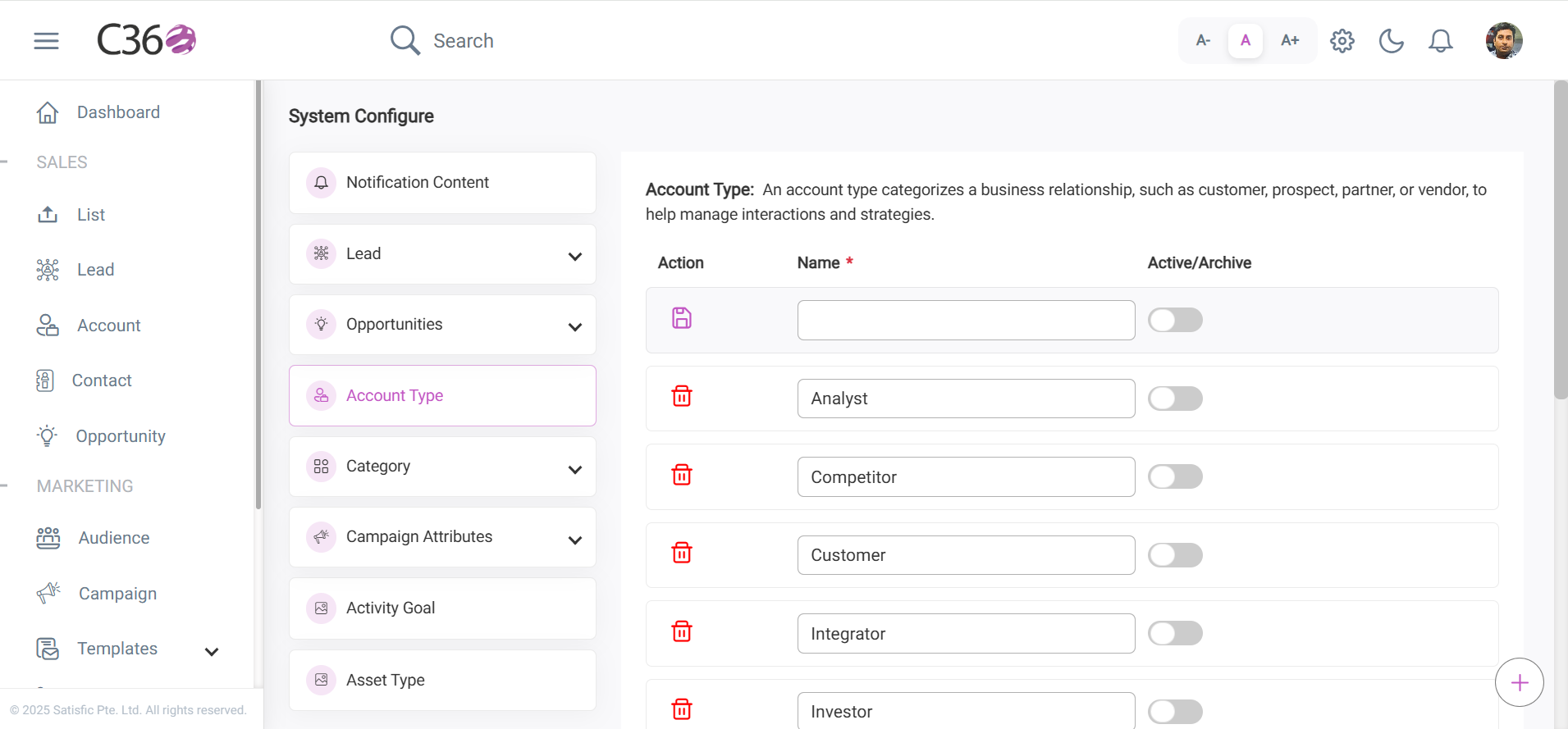
🏷️ Account Type
To access Account Type:
➡️ Go to Settings → System Configuration → Account Type from the Top Bar.
note
An Account Type categorizes a business relationship, such as Customer, Prospect, Partner, or Vendor, helping teams manage interactions and strategies effectively.
📋 Fields
Name
Defines the title or label of the account type.
Active / Archive (Toggle)
A switch to mark an account type as:
- Active → currently in use
- Archived → inactive or no longer needed
⚡ Actions
- 💾Save
- 🗑️Delete
Save – Click Save to store the entry after completing the details.
Delete – Click the Delete icon in the action column to remove a saved entry.