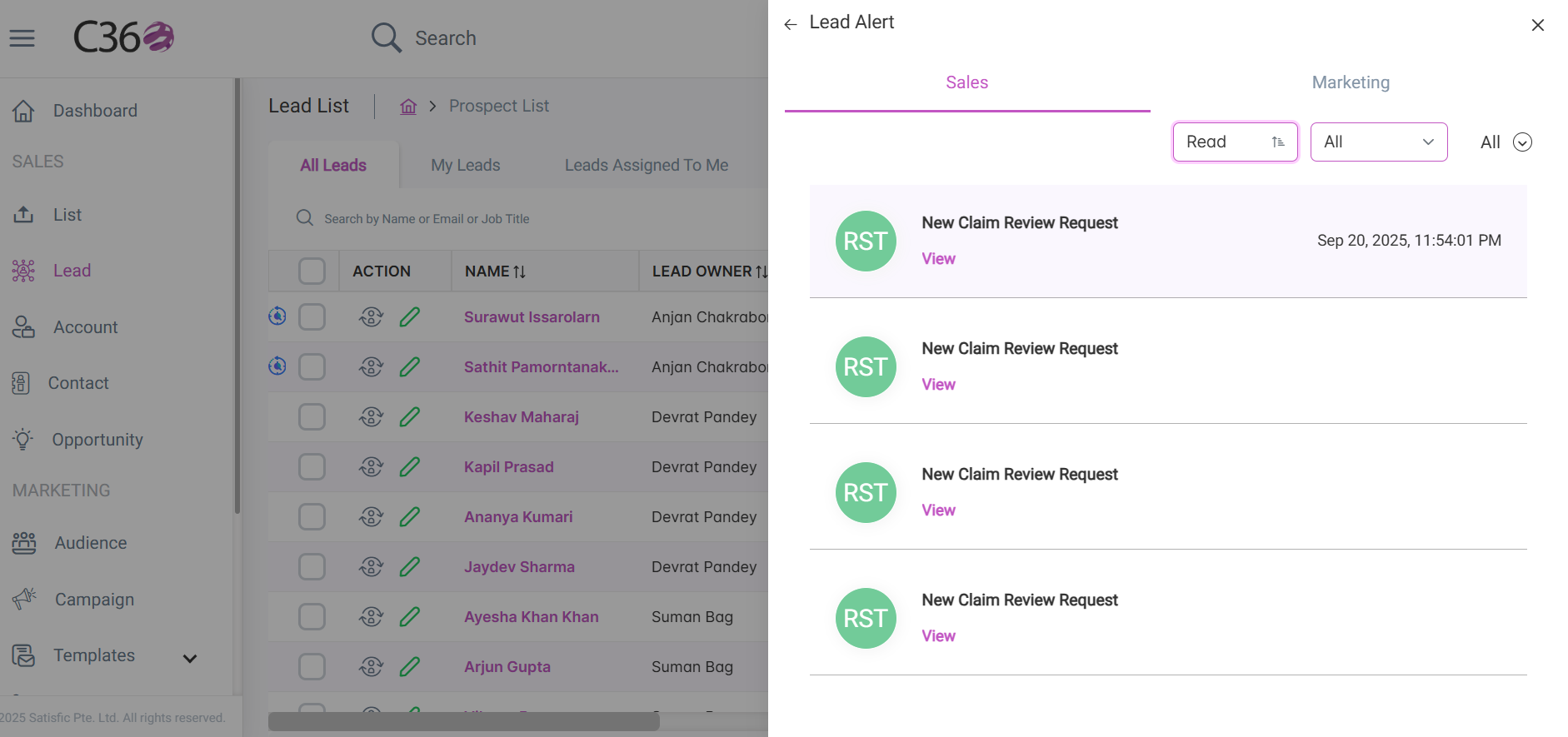
🚨 Lead Alerts Management
The Lead Alerts feature in C360 keeps you instantly informed about new assignments, campaign engagement, and lead activities — ensuring you never miss an important update.
To access Lead Alerts:
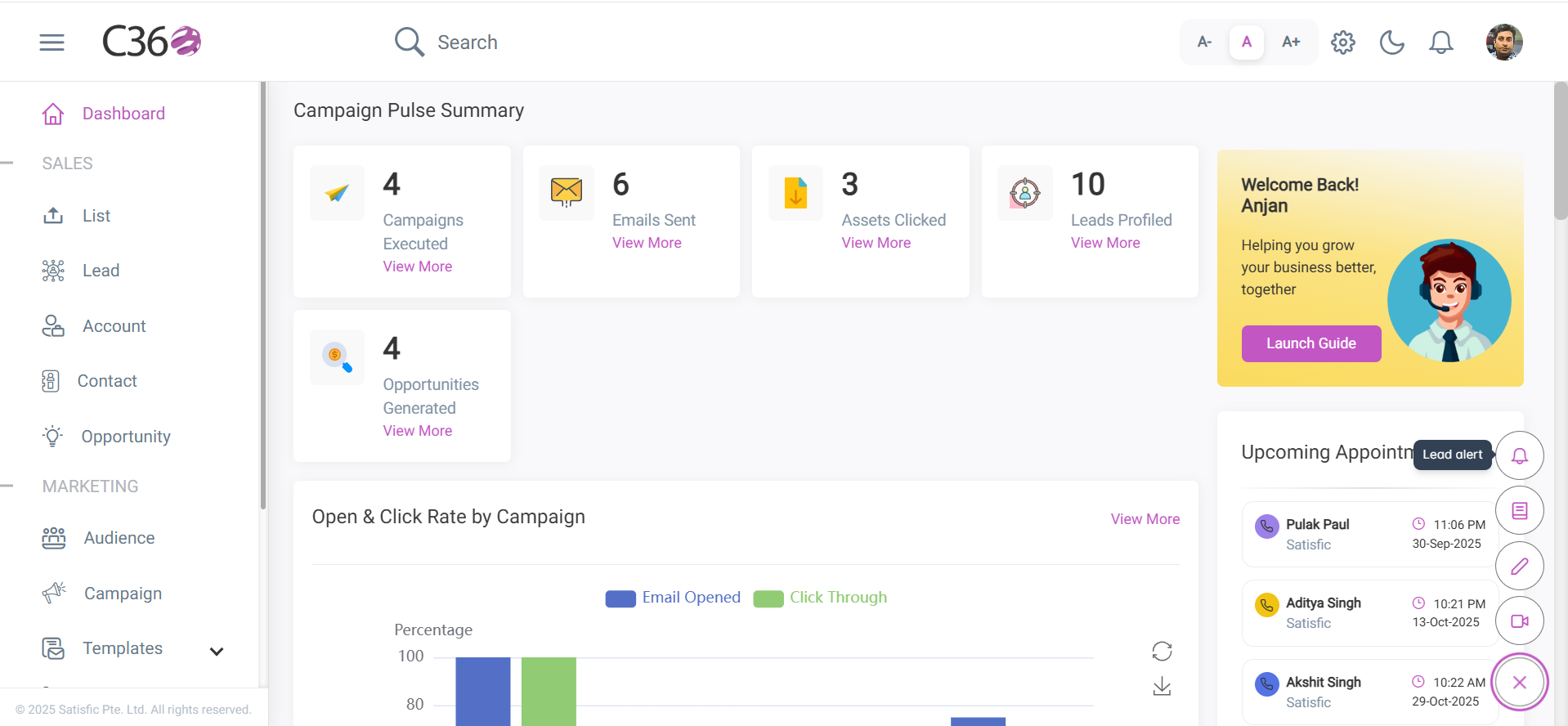
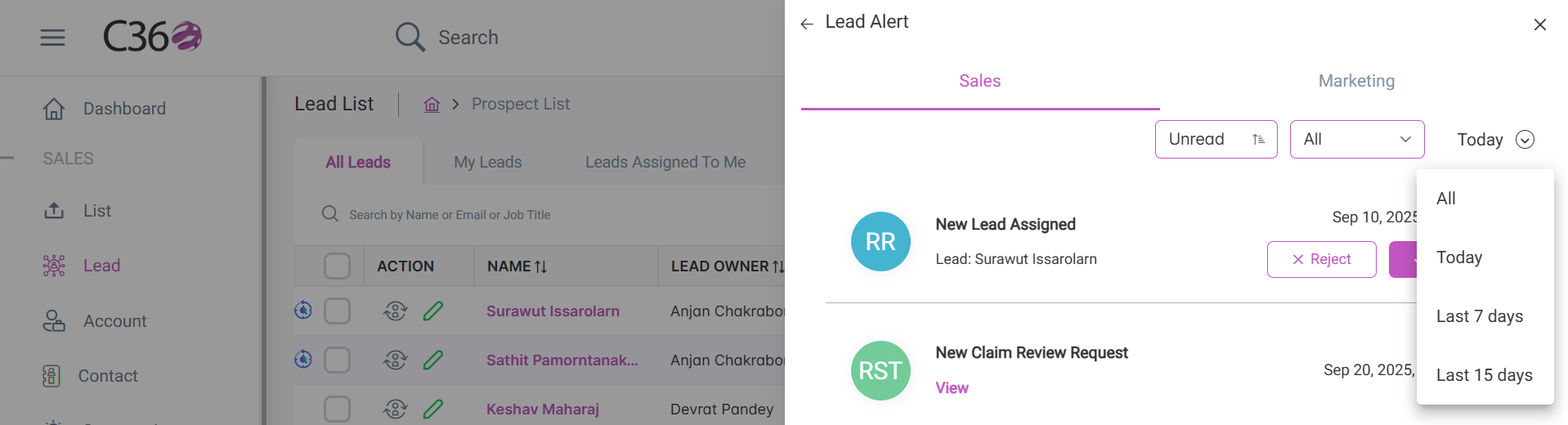
Click the Alert icon in the right-hand menu. A pop-up will appear showing all assigned leads.
📋 Types of Alerts
The Lead Alerts pop-up is divided into two main categories:
🔹 Sales Alerts
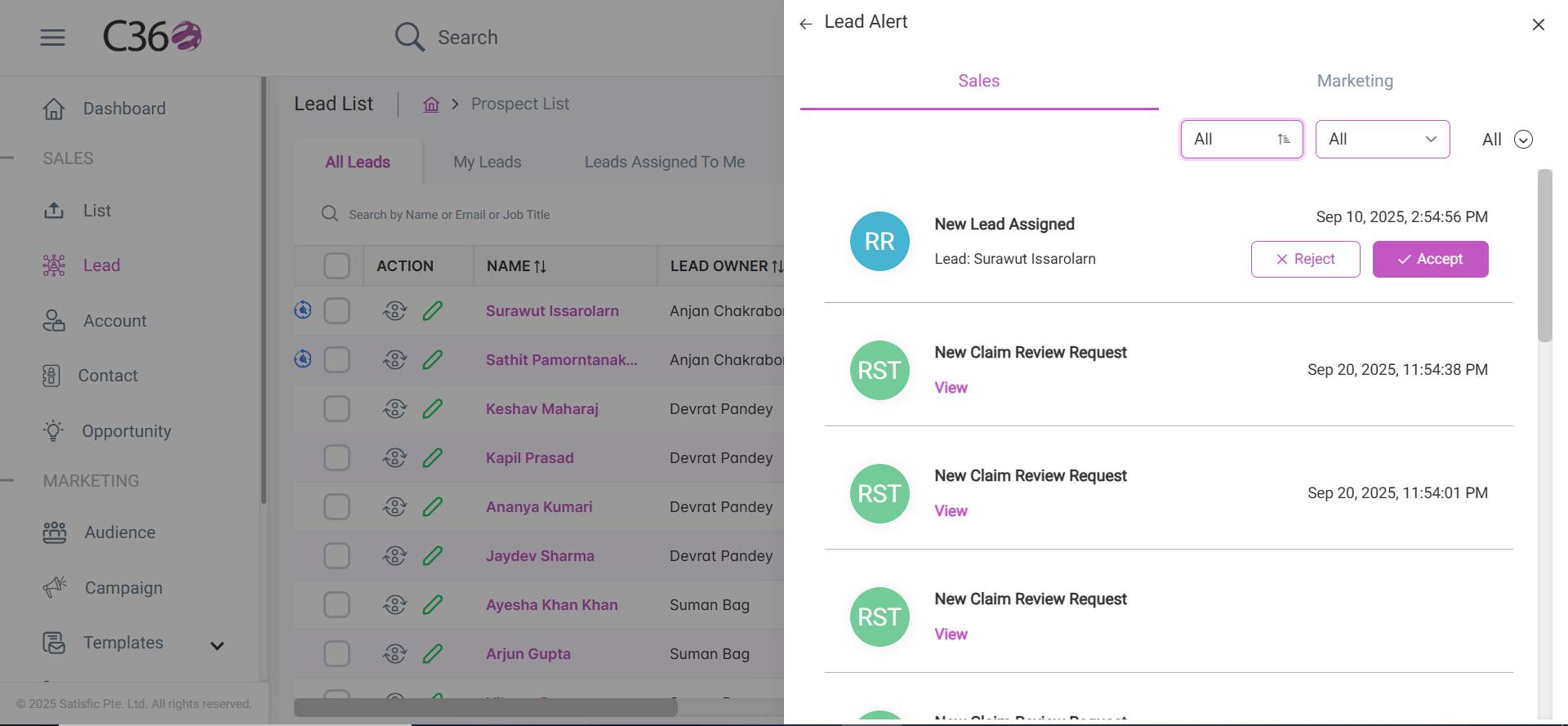
Triggered when new Leads, Accounts, Contacts, or Opportunities are assigned to you. These appear in the Sales tab with one of the following labels:
- DA → Direct Assignment (Visible to all users, including Admin)
- RR → Round Robin (Visible to all users except Admin)
- ST → Shark Tank (Visible to all users except Admin)
- RST → Review Shark Tank (Visible to Admin only)
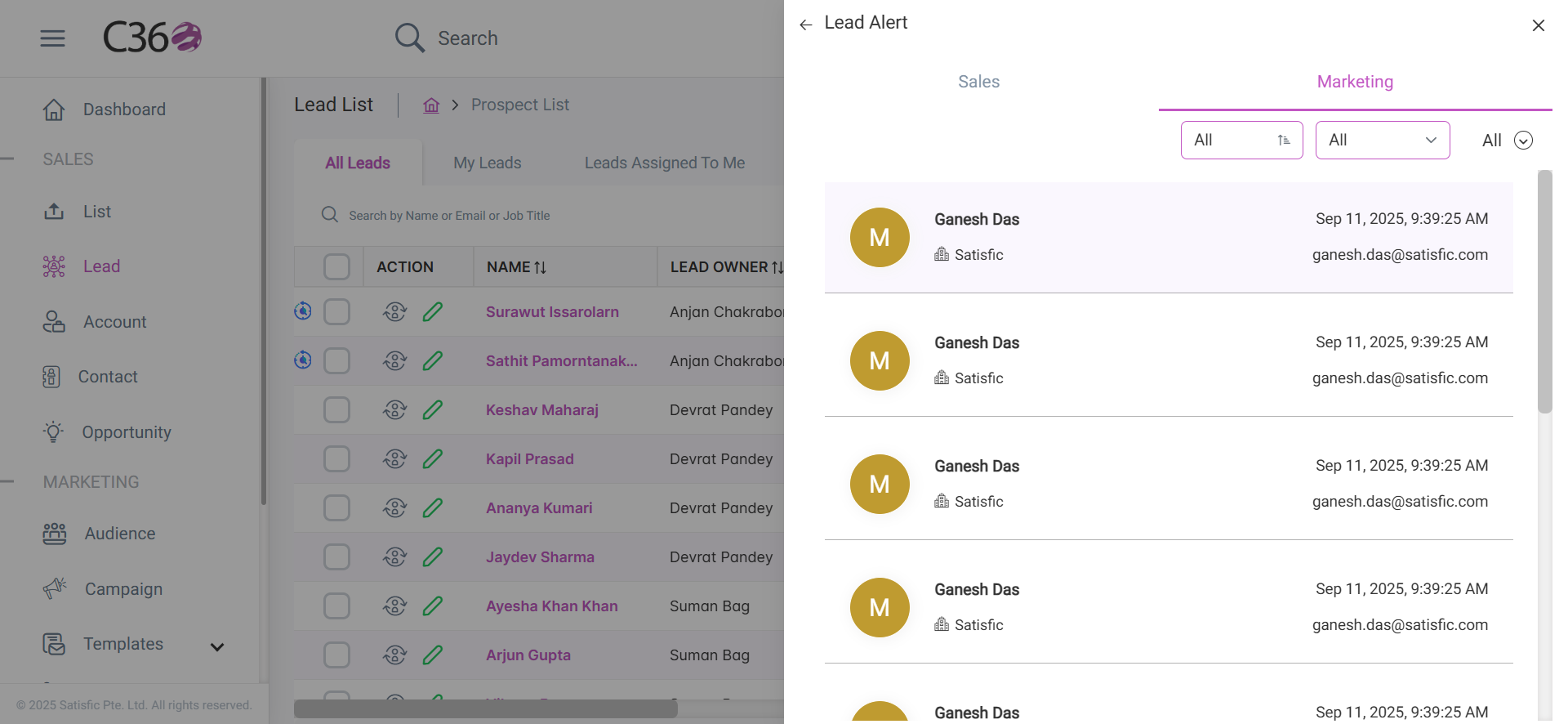
🔹 Marketing Alerts
Triggered when recipients click campaign components in an email you launched. These appear in the Marketing tab, marked with an M beside the lead name.
🔎 Filtering Lead Alerts
You can filter Lead Alerts using three dropdowns:
1. Lead Status
- All
- Read
- Unread

2. Lead Assignment
- All
- Shark Tank (All users except Admin)
- Round Robin (All users except Admin)
- Direct Assigned
- Review Shark Tank (Admin only)

3. Dates
- All
- Today
- Last 7 Days
- Last 15 Days
✅ Managing Lead Alerts
- By default, the list shows only Unread alerts.
- When you click on an alert, it is removed from the list and automatically marked as Read.
- To view past alerts, switch to the Read filter.