📈 Activity Insights
The Activity Insights panel provides a quick snapshot of your daily schedule and upcoming actions directly within your workspace. It helps you stay organized without leaving your current view.
📋 Features
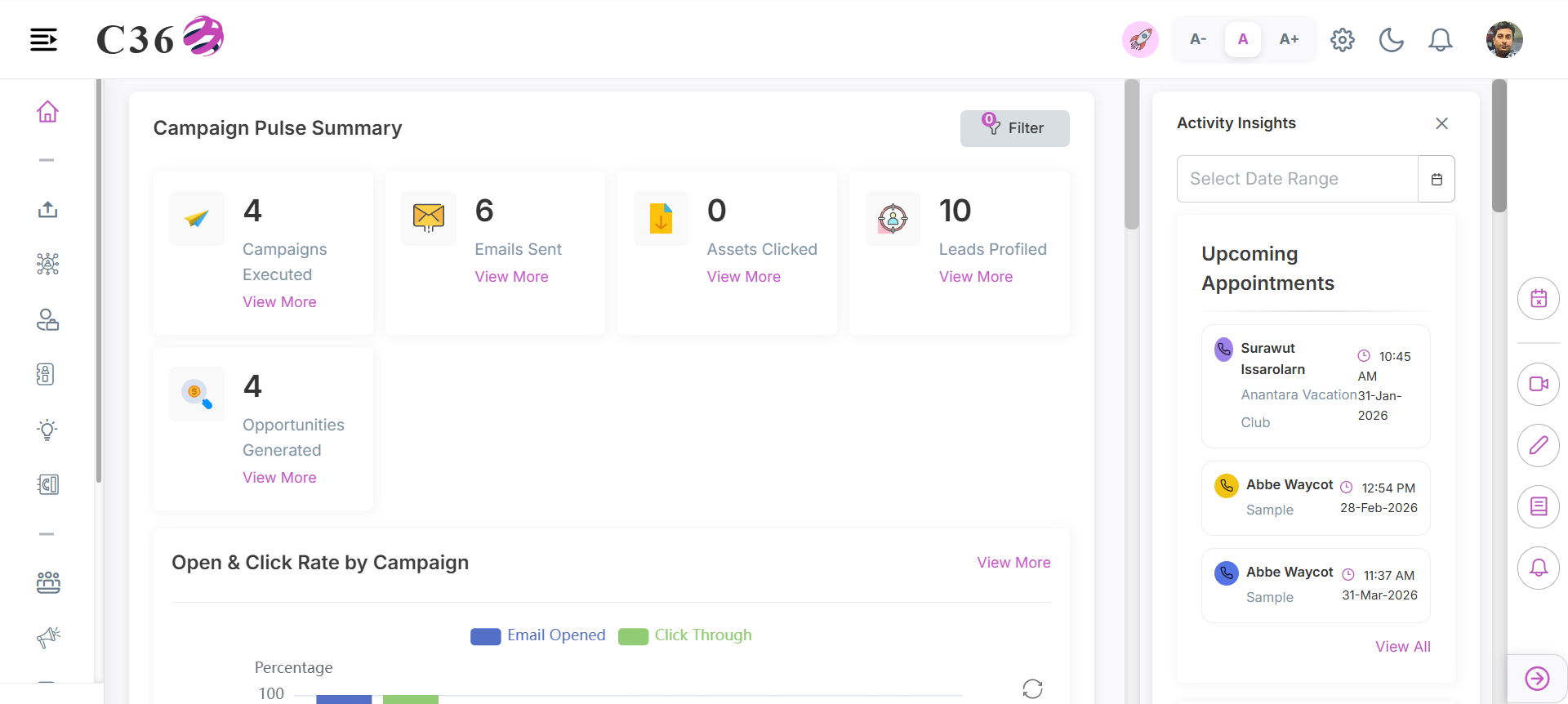
📅 Upcoming Appointments
View your scheduled meetings and appointments for the day or upcoming dates.
- Date Range Picker: Filter appointments by selecting a specific date range.
- Quick View: See time, subject, and participants at a glance.
📂 Opportunity By Win Probability
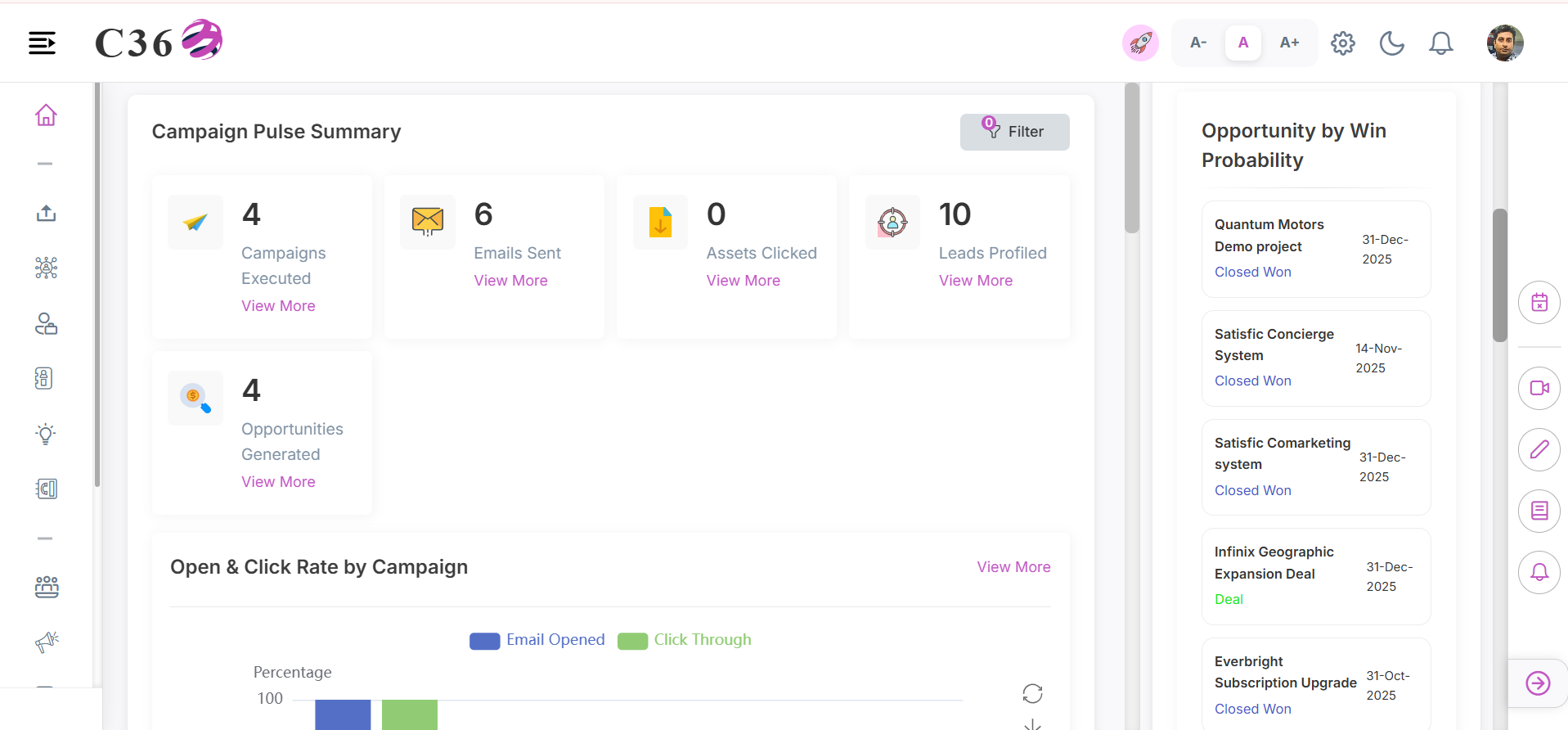
Track the likelihood of closing deals in your pipeline.
- Win Probability Score: Visual indicator of deal health.
- Key Metrics: View stage, value, and expected close date.
🏆 Top Performing Campaigns
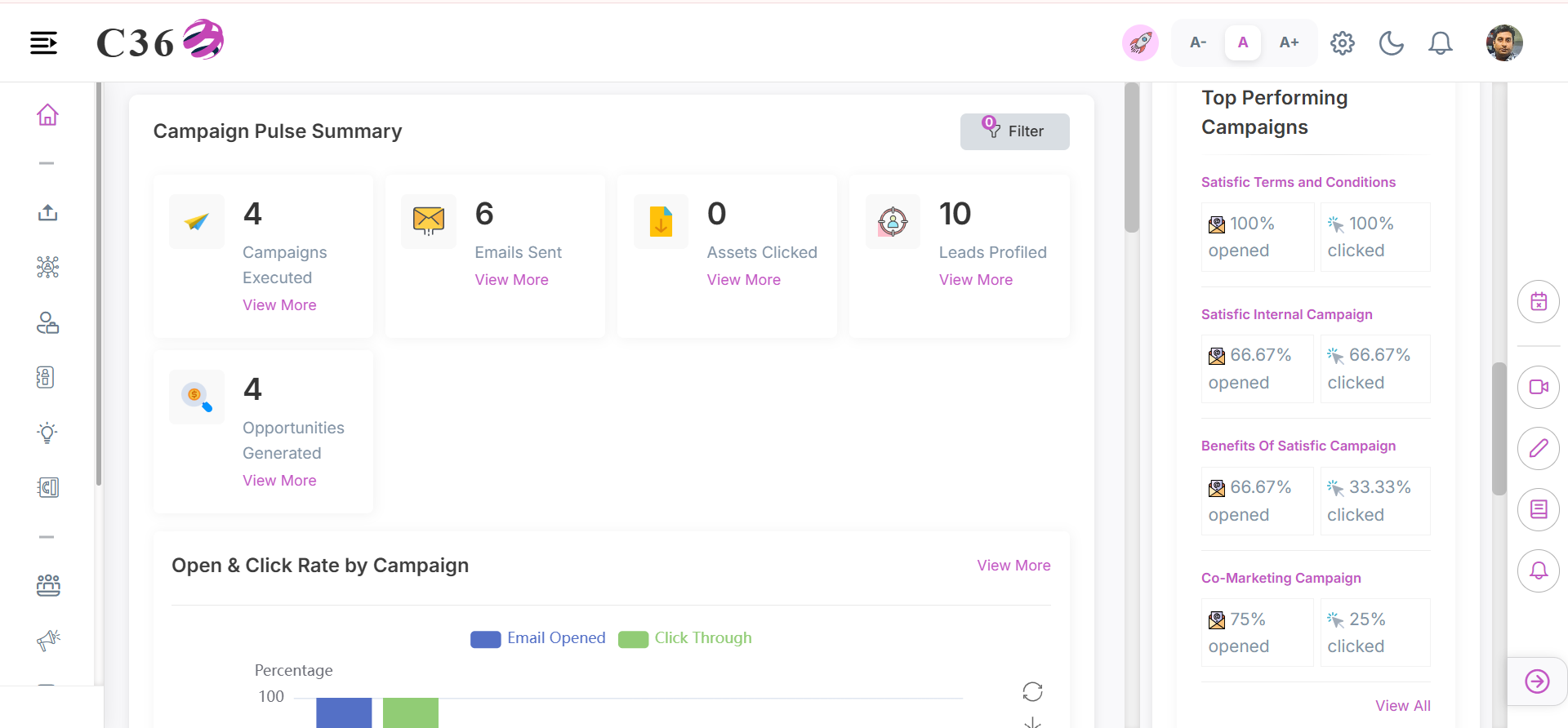
Quickly see which campaigns are driving the most engagement.
- Open Rate: Percentage of emails opened.
- Click Rate: Percentage of recipients who clicked.
- Campaign List: Review specific campaigns with performance metrics.
🌟 Top Performing Assets
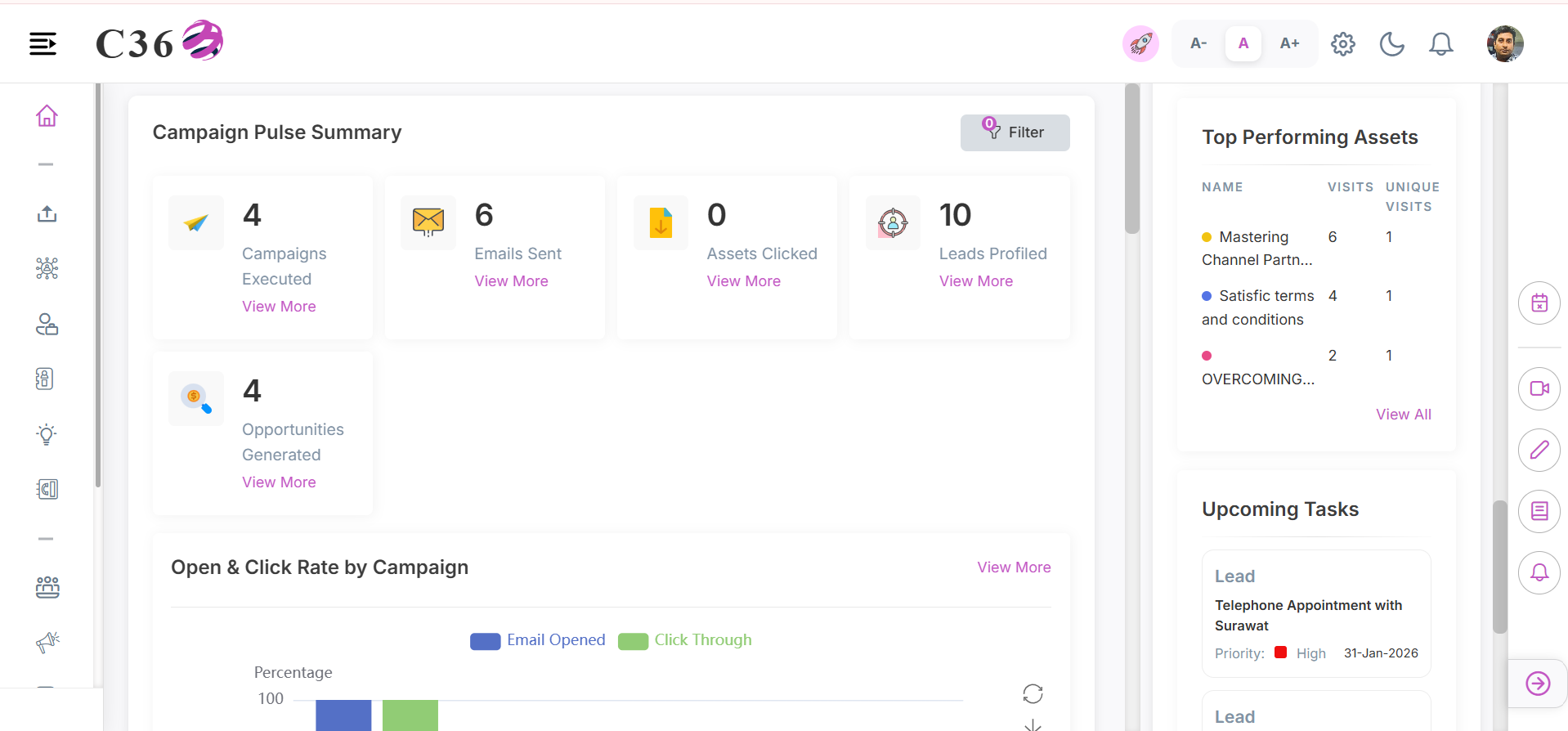
Track your most popular content pieces.
- Visits: Total number of times an asset was viewed.
- Unique Visits: Number of distinct users who viewed the asset.
📝 Upcoming Tasks
Don't let important to-dos slip through the cracks.
- Task Card: Shows the task status and priority.
- Data Availability: clear indication if no tasks are pending.
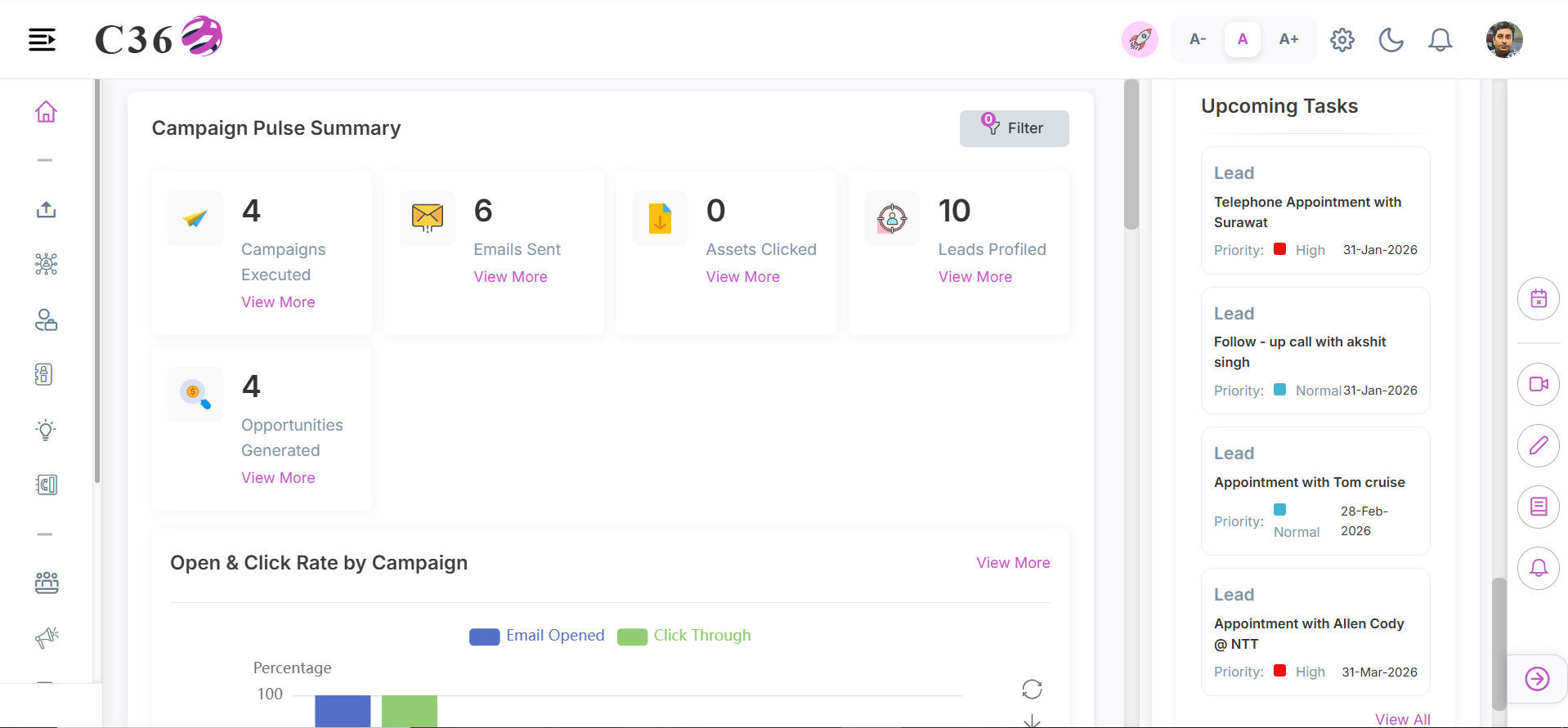
🚀 How to Access
- Look for the Activity Insights panel on the right side of your dashboard or workspace.
- Expand the panel to view details.
- Use the calendar icon to switch date views.
tip
Activity Insights is available across most C360 modules, keeping your schedule always visible.